MinionApp 详情
这个程序是一个中心软件允许你安装,开始,更新,购买和管理所有Minion产品,插件和卡号
初步设置
- 第一次打开 MinionApp, 你将提示设置以下的事情.
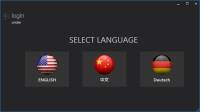
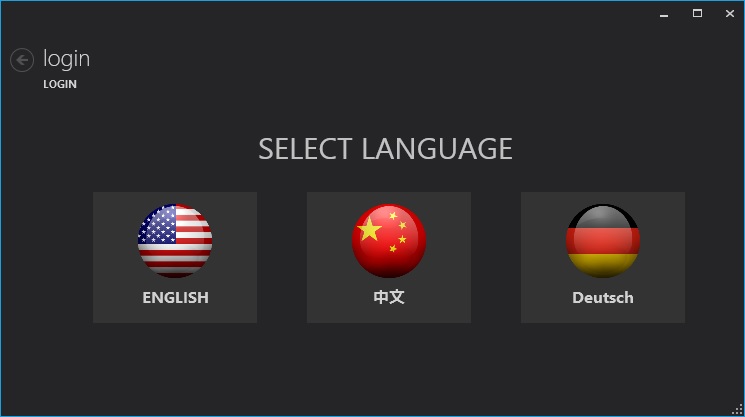
- 选择语言
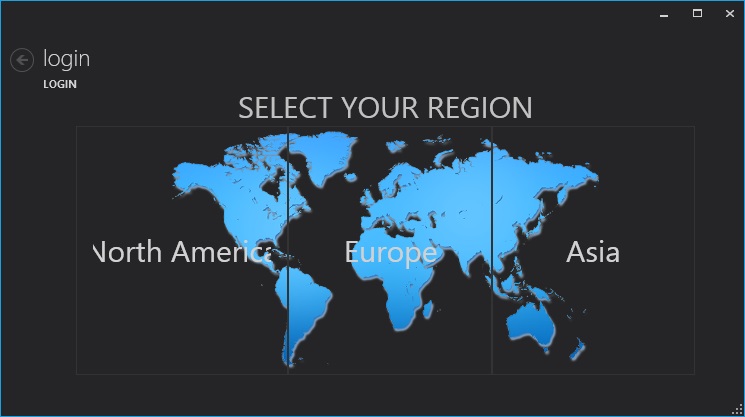
- 选择区域

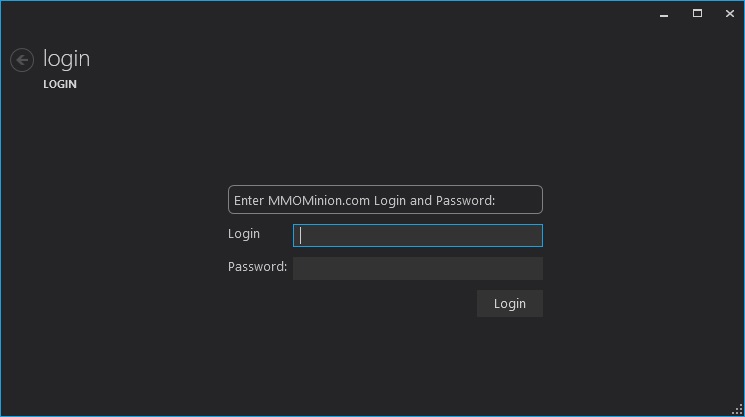
- 用你的mmominion.com网站帐号和密码登录
启动器 - 安装 & 打开辅助
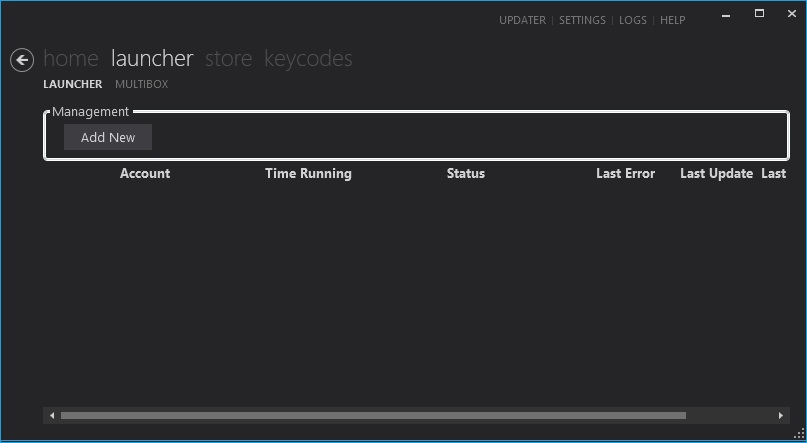
- 在 MinionApp顶部,选择 Launcher(启动器) 选项.
- 在Manager Group(管理页面),按 Add New(添加新的) 按键.
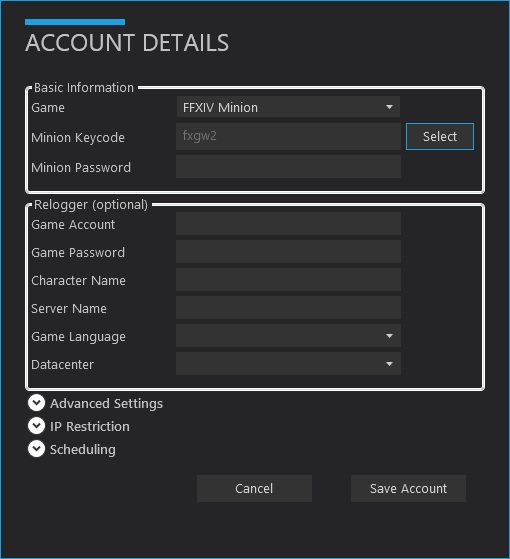
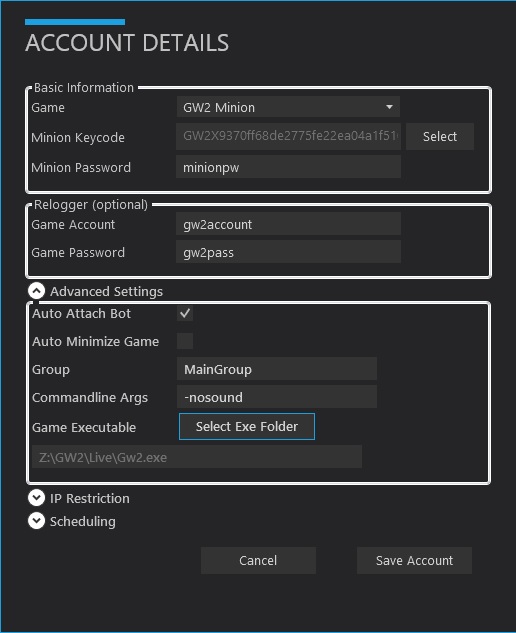
- 在Account Details(帐号信息)窗口,填入相应的信息:
- 基本信息:
- Game(游戏) : 你要添加的辅助.
- Minion KeyCode(Minion卡号) : 请按一下 Select (选择)按键 ,可以调出所有激活激活的卡号.
- Minion Password (Minion密码): 输入你的MMOMinion.com网站的密码-就是你的登陆密码.
- Relogger (optional)(自动登录器)
- 如果你想辅助能够在辅助奔溃,关闭后,自动自动重开,请输入相关的游戏信息!你将有一个“Attach“(加载)按键代替Start(开始)按键,可以手动的开始游戏,和加载辅助!
- Game Account (游戏帐号): The game account Login.
- Game Password(游戏秘密) : The game account Password.
- Other Options(其他选项 : There may be additional options to fill out, depending on the game. Use your brain for these.
- Advanced Settings(高级设置)
- Auto Start Bot(自动开始) : Check this, if you want the Bot to be automatically started when MinionApp is started.
- Auto Attach Bot (自动加载): Uncheck this if you want to just start the Game without the Bot.
- Auto Minimize Game(自动最小化游戏) : If checked, the Game will be minimized after Launch (currently disabled).
- Group (组): Set a custom Groupname, to keep your accounts ordered in the Launcher View.
- Commandline Args(命令参数) : Add custom commandline args here, like -nosound for gw2minion for example.
- Game Executable (游戏执行程序): The path to the game-executable (.exe)- This MUST be filled out correctly. Press “Select Exe Folder” to change it if needed.
- IP Restriction(IP限制)
- If you add IPs here, then this Bot will only be started / running when your “external IP” equals the one(s) you setup here. This is a safety check for people using Proxies / VPNs.
- Scheduling(计划任务)
- Setup the time when your Bot should run. The MinionApp will start / stop the Bot accordingly.
你不能使用”和其他非法的其他字符做为登录帐号和密码!
4. Setup Game Path(设置游戏文件夹)
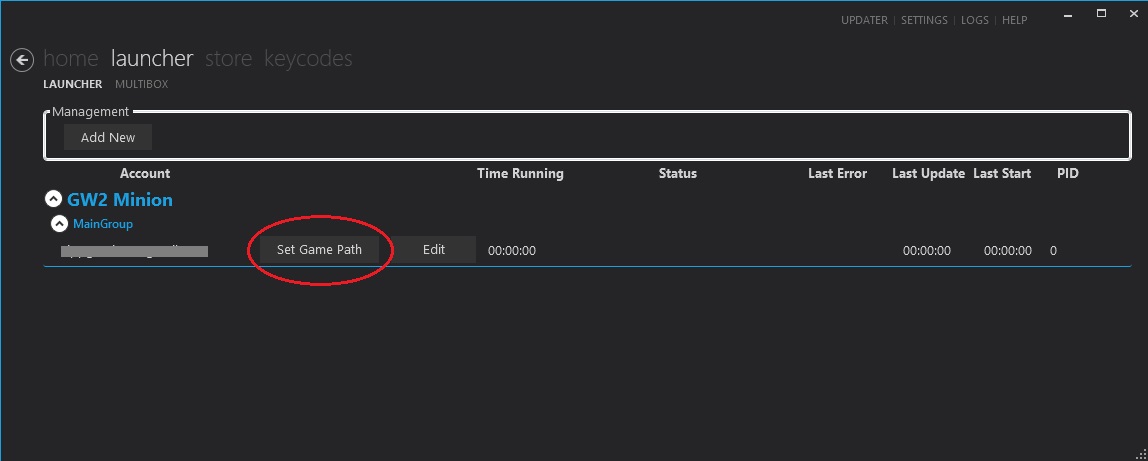
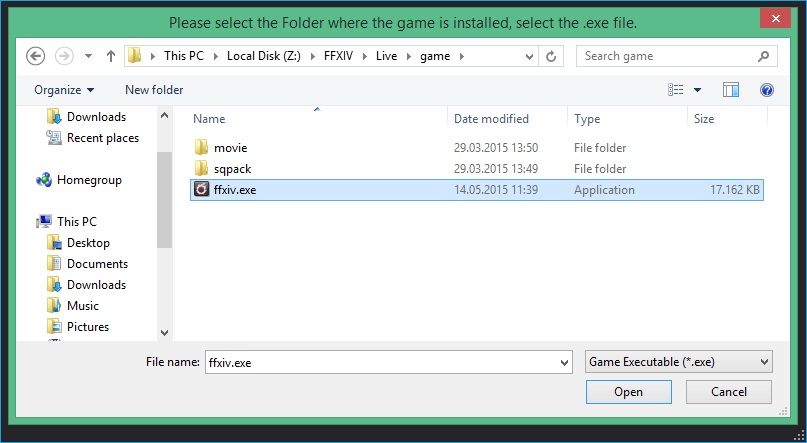
- 如果你是第一次使用MinionApp,或者添加游戏中那很高,那么请去MinionApp-Setting,去设置一下!
- 按一下Set Game Path (设置游戏文件夹)按键,将会引导你去选择一个游戏文件!(.exe) of the Game you want to Bot (例如 ffxiv.exe, gw2.exe, eso.exe etc.)
- 你可以在在MinionApp Settings里改变 folderpath(文件夹路径).
5. Install Bot
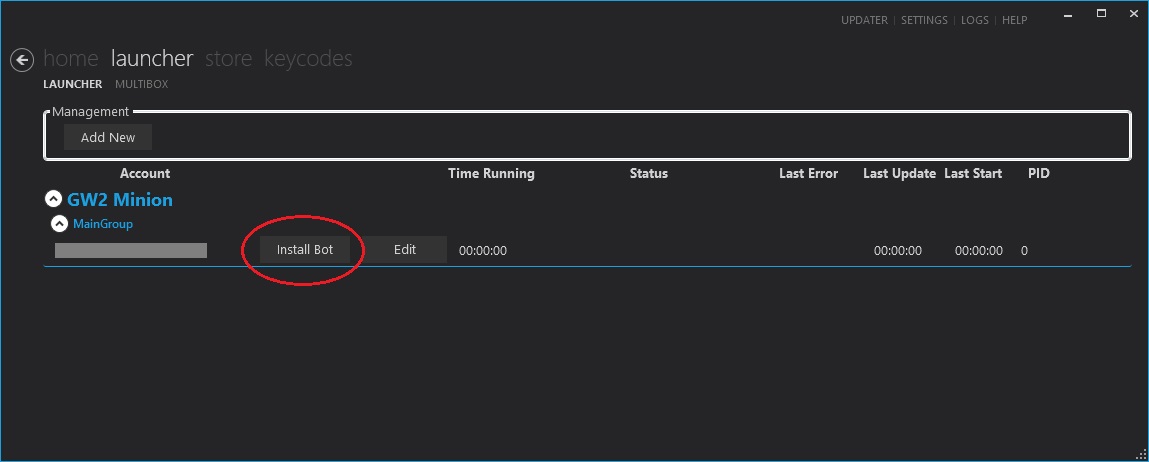
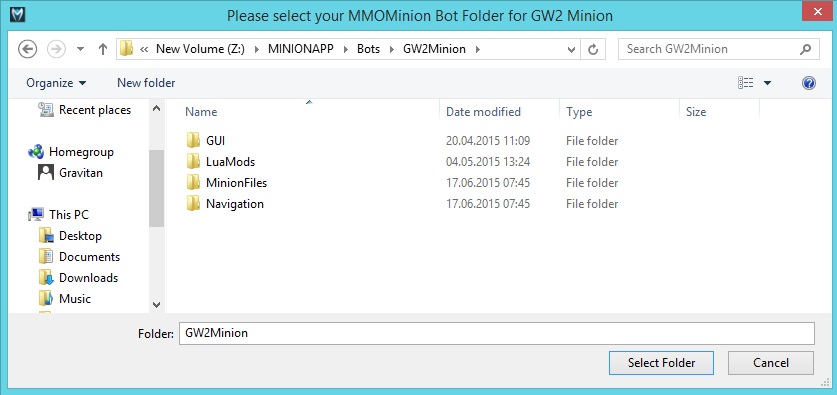
- 按一下 “Install Bot” (安装辅助)按键,就可以安装辅助了,默认是安装到…/MinionApp/Bots/… 文件夹。
- 你可以在MinionApp Settings(MinionApp设置)里改变文件路径.
6. Start Bot(开始辅助)
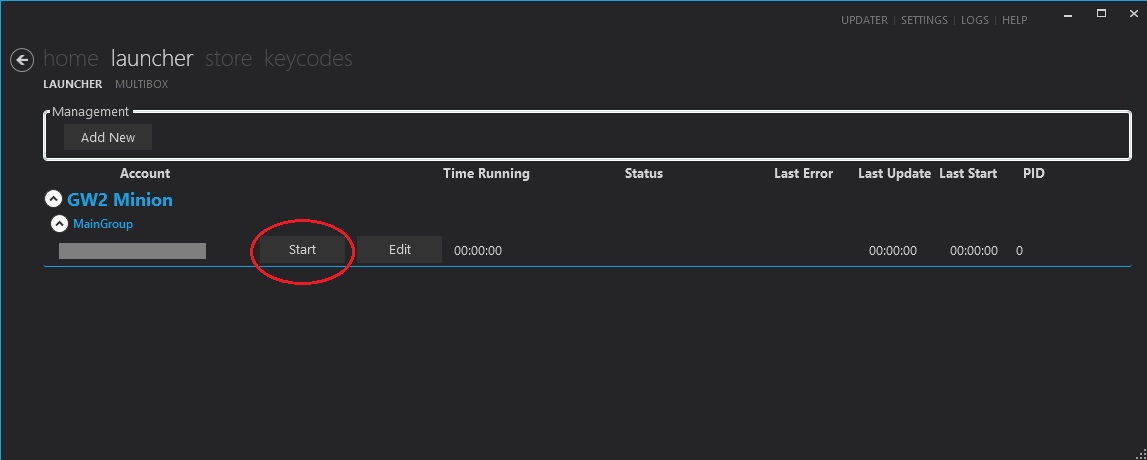
- 按一下“start Bot“(开始辅助)那么就会自动启动游戏,并且开启辅助.
- 如果你没有输入游戏登录帐号和密码,你将会看到“Attach”(加载)按键,你需要手动开始你的游戏和手动按一下加载按键!
Some Games require special installation steps. Read the Bot Tutorials so you know what to do.
If your game crashes / closes at the startup or when the bot is not attached / you cannot see the Bot UI, read the Requirements again.
If you still cannot make it work, please open a HelpTicket or ask in our Live Chat, but be aware, we are not online in the Chat 24/7 ;)
设置
在MinionApp右上方,你可以发现设置选项!
基本设置
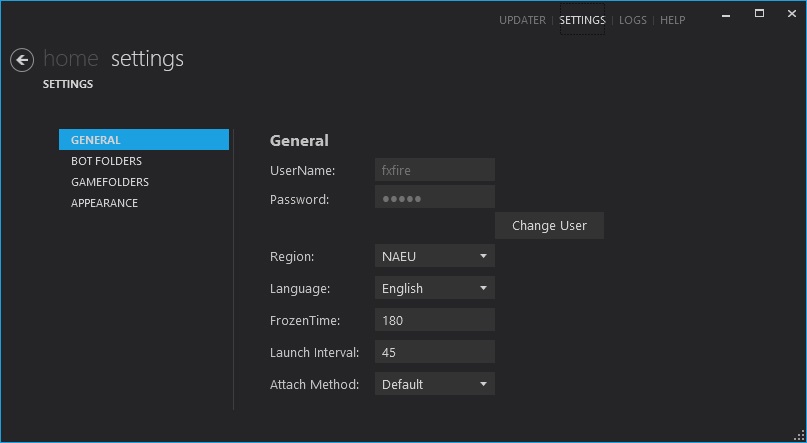
- UserName & Password(用户名&密码) : 按一下Change User(改变用户)按键 可以用其他账号进行登录
- Region (区域): 为 MinionApp和辅助就近选择一个验证服务器!
- Language(语言) :选择MinionApp 语言. 重开一下就好了.
- FrozenTime(冷冻时间) : 设置一个让辅助等待游戏响应/辅助关闭或者重启的时间,默认时间是180秒,如果你的电脑比较慢,或者开的窗口比较多,请增加这个时间!但是最后不要改变默认设置!
- Launch Interval(启动间隔) : 设置这个时间是为优化启动各个游戏窗口辅助窗口的间隔,视机器配置而定,默认是这是45秒。
- Attach Method(加载方式) :切换两种不同的加载方式. 如果你存在加载问题,你可以在这两种加载方式中切换一下!
辅助文件夹
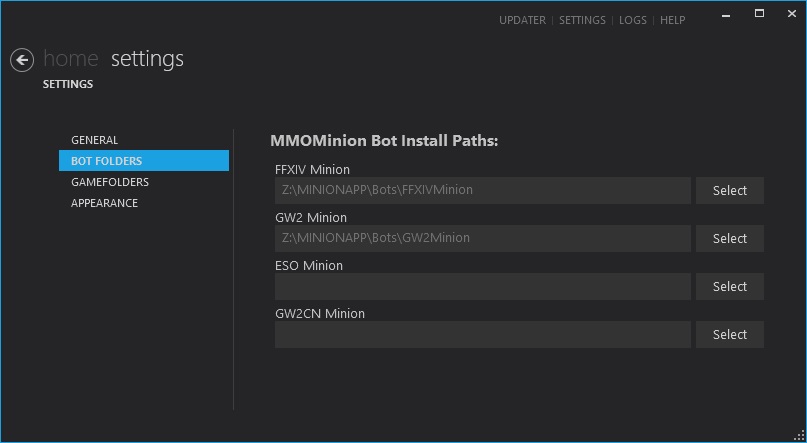
- 显示当前辅助所在的文件夹. 必须是是一个有效文件夹!
- 按Select(选择)按键,可以选择一个不同的辅助文件夹!
游戏文件夹
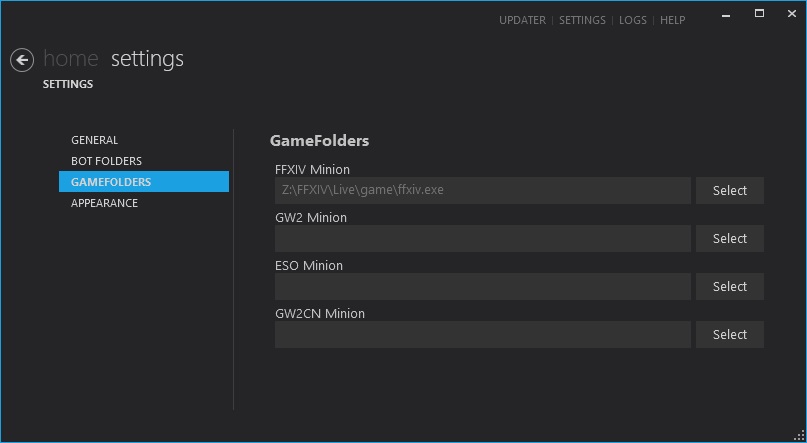
- 显示当前辅助所使用的游戏文件夹,这必须指向一个.exe 文件!
- 按Select(选择)按键,可以选择一个不同的游戏文件夹!
- 请在这里修改语言,然后重启应用


无论是WG客户端还是SD客户端,都是在Sdo-Sdologin-下载找到Launcher.exe,WG客户端不支持直接启动,请以attach/加载游戏

外观
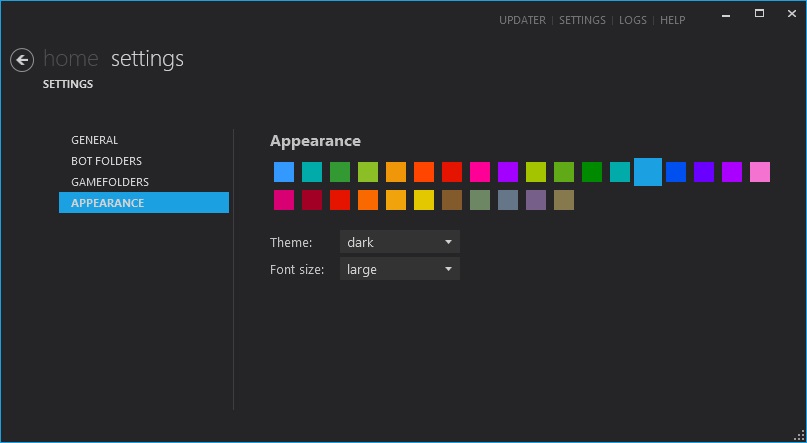
- 改变MinionApp外观
更新程序
更新程序将通知你有可用的更新,并且告诉你什么文件需要更新,你可以选择你想要的更新进行安装,请按一下“Install“(“安装“)键,然后它们就会被下载和安装了!
商店
请在 Store页面阅读相关商店的详细信息.
卡号
在这个页面你可以添加你的号,并且管理他们. 购买的后的卡号会在未激活卡号里显示,有3-5分钟的延迟